Refill Dates... It's Your Call!
posted in Patient Care on

Set your own skincare schedule by changing your refill date! Are you going to be out of town? Have only a little medication left to last another week? Whatever the reason may be, we’ve got you covered.
If you turn on Auto-Refill, your refill orders will automatically be placed and shipped to you every two months. But you can advance or delay the refill date before the order is placed!
Want to change your refill date? Here's how:1. Go to musely.com/treatment2. Select the relevant treatment.3. Select Manage Prescription.4. Select Change Next Refill Date5. Choose the desired date & confirm the change!
Start your Face-Rx journey today and reap all the benefits of a customizable treatment!🌟
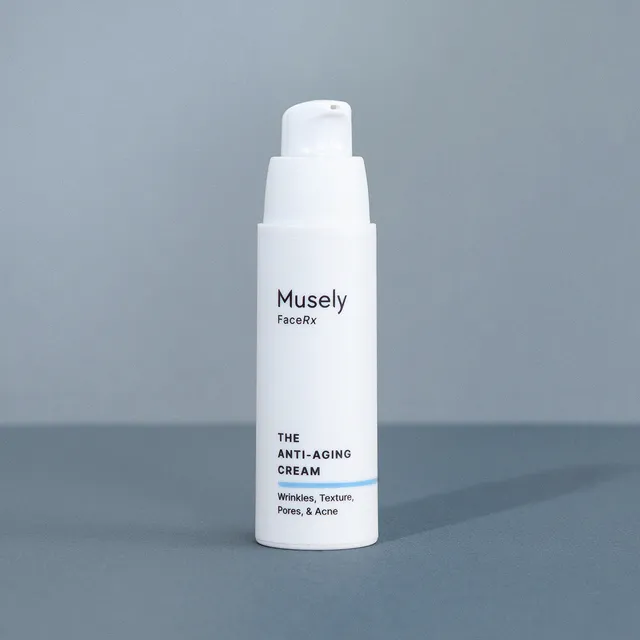
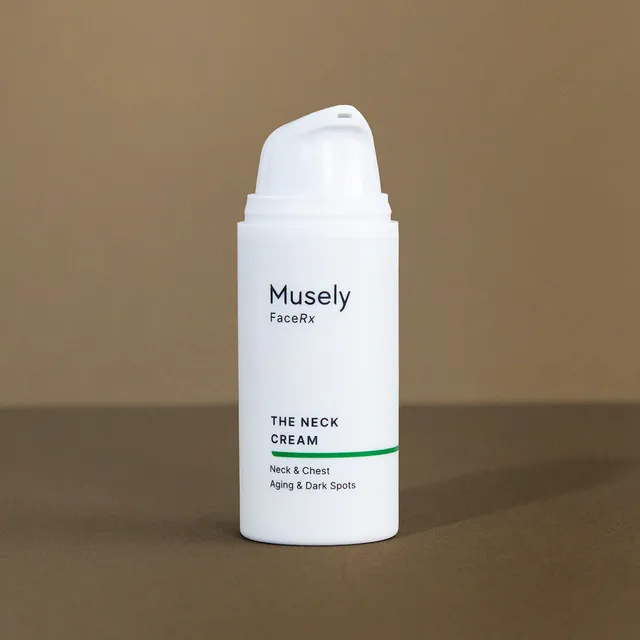
Products In This Tip

More tips like this

Patient Care
Skincare Routine: How To Layer Skincare Like a PRO
13012

Patient Care
How to use eNurse
8435

Patient Care
Wait, What's The Correct Order?
9518

Patient Care
Questions For The Doctor?
4125

Patient Care
Don't Overuse Your FaceRx!
9143

Patient Care
Skincare Is Not A Race!
19

Patient Care
Can I Go Outside While Using The Spot Cream?!
415

Patient Care
Need More Time?
164