Claudia O.
Verified Purchase
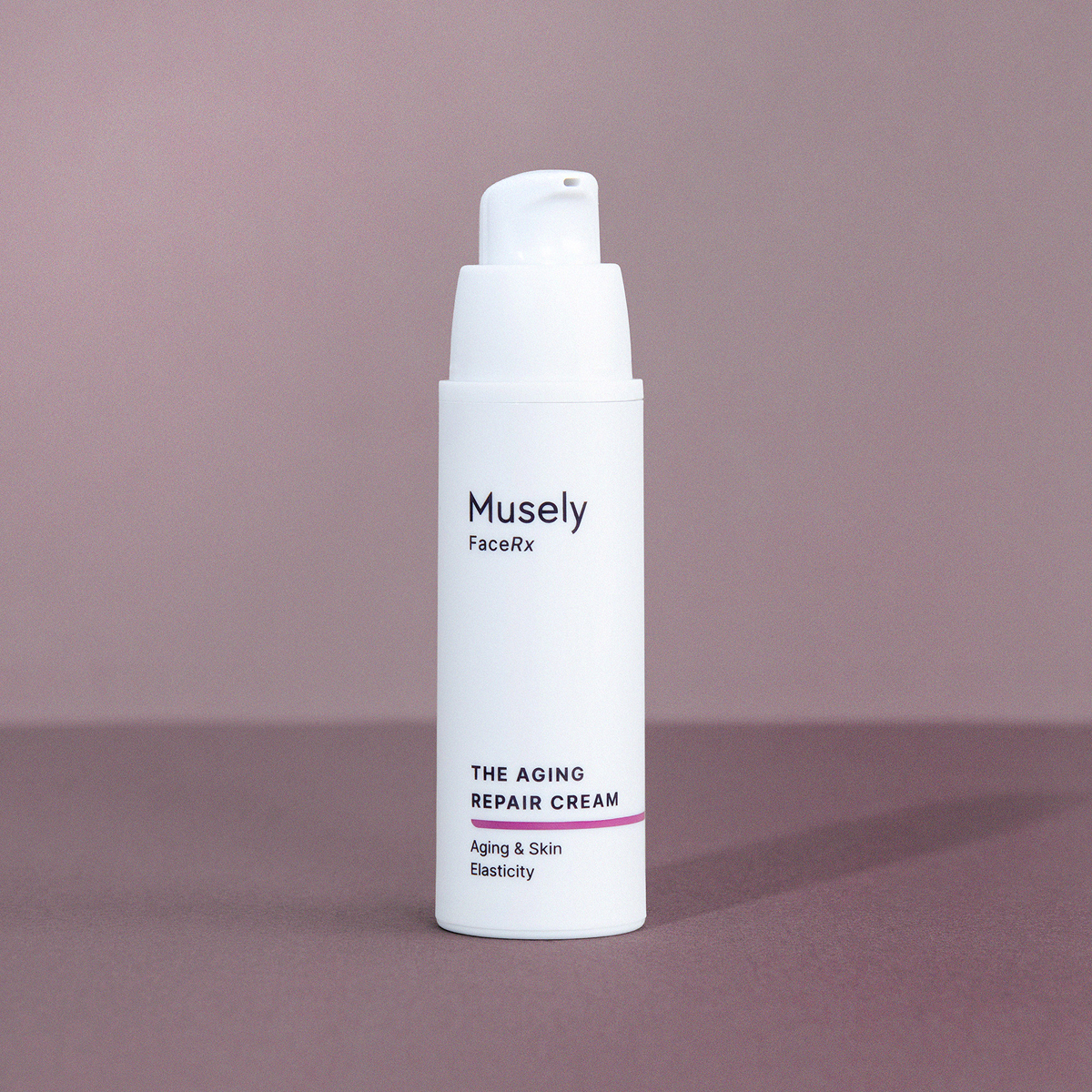
I need this again
Reply from Musely:
Hi there! We are so happy to hear that you are loving your treatment and we are happy to provide you with instructions on how to order refills! On the Musely website or app, go to the My Treatments page, then: 1. Select the relevant treatment 2. Click Order Refills 3. On the pop-up, click Order Refills 4. Choose your desired refill date and select Save Please contact Musely Support if we can provide any additional assistance! :)